Wedding Editing Course · Instant Access
Turn raw footage into a cinematic highlight film — in 5 days!
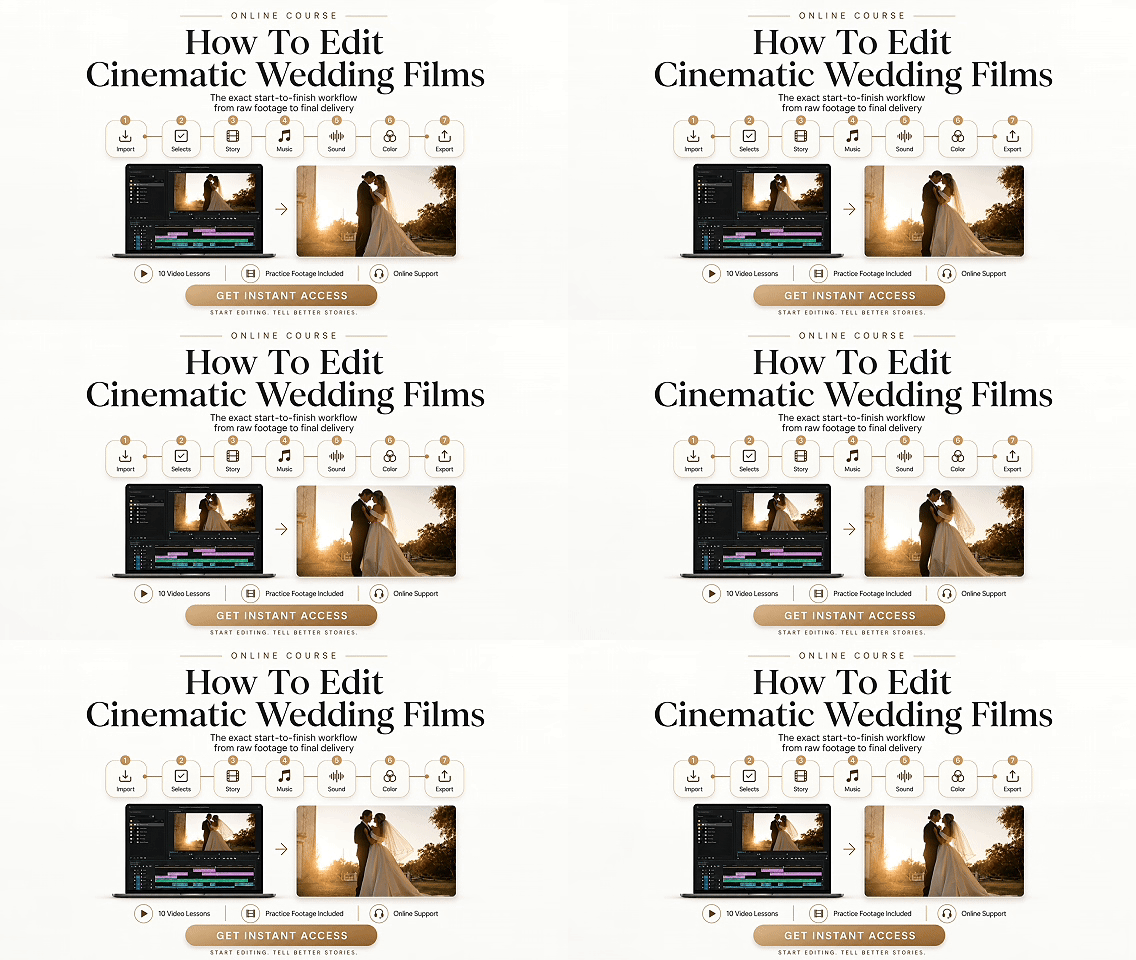
A complete step-by-step course for wedding videographers, filmmakers, and editors who want to create polished, emotional wedding highlight films — faster, with more confidence, and with a clear workflow from start to finish even if you've never finished a highlight film before!
This course gives you a clear editing system — no matter where you’re starting from.
Not for you if you want a one-click preset or won’t put in a few hours of practice.
STUDENT'S WORKS
What’s Inside The Course
The Complete Start-to-Finish Wedding Highlight Editing Workflow
1. 10 in-depth video lessons that walk you through the full process — from organizing footage to final export.
01. File Sorting & Timeline Preparation
35 min
Organize your wedding footage, prepare your project, and set up the timeline before the real edit begins.
02. Selecting B-Roll
1 hr 35 min
Learn how to choose the strongest shots and avoid wasting time with footage that doesn’t serve the story.
03. Syncing Cameras & Audio
41 min
Build a clean synced timeline so vows, speeches, ceremony audio, and camera angles are ready to edit.
04. Selecting Narrative Audio
37 min
Find the strongest emotional moments from vows and speeches to guide the story of the highlight film.
05. Preparing for Story Assembly
1 hr 15 min
Prepare your selects, audio, and structure before building the final story-driven timeline.
06. Music Selection
13 min
Understand how to choose music that supports the emotion, pacing, and overall energy of the wedding film.
07. Story Assembly & Music Adaptation
1 hr 49 min
Build the main highlight film structure, connect story moments, adapt the music, and create emotional flow.
08. Sound Correction
30 min
Clean and balance the sound so voices, music, and atmosphere feel polished and professional.
09. Color Correction & Grading
1 hr 35 min
Polish the image, correct color, and create a consistent cinematic look across the full highlight film.
10. Final Polish & Render
45 min
Review the full film, make final improvements, prepare export settings, and render the finished highlight.
01. File Sorting & Timeline Preparation 35 min
Organize your wedding footage, prepare your project, and set up the timeline before the real edit begins.
02. Selecting B-Roll 1 hr 35 min
Learn how to choose the strongest shots and avoid wasting time with footage that doesn’t serve the story.
03. Syncing Cameras & Audio 41 min
Build a clean synced timeline so vows, speeches, ceremony audio, and camera angles are ready to edit.
04. Selecting Narrative Audio 37 min
Find the strongest emotional moments from vows and speeches to guide the story of the highlight film.
05. Preparing for Story Assembly 1 hr 15 min
Prepare your selects, audio, and structure before building the final story-driven timeline.
06. Music Selection 13 min
Understand how to choose music that supports the emotion, pacing, and overall energy of the wedding film.
07. Story Assembly & Music Adaptation 1 hr 49 min
Build the main highlight film structure, connect story moments, adapt the music, and create emotional flow.
08. Sound Correction 30 min
Clean and balance the sound so voices, music, and atmosphere feel polished and professional.
09. Color Correction & Grading 1 hr 35 min
Polish the image, correct color, and create a consistent cinematic look across the full highlight film.
10. Final Polish & Render 45 min
Review the full film, make final improvements, prepare export settings, and render the finished highlight.
2. PDF Guides — ultra-detailed workflow playbook + structure maps for the highlight, full film, and trailer.
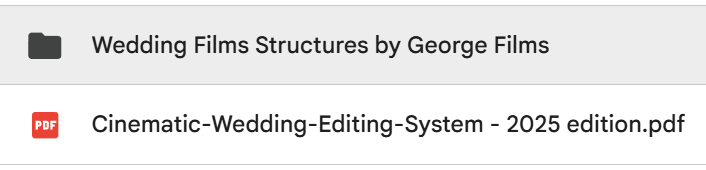
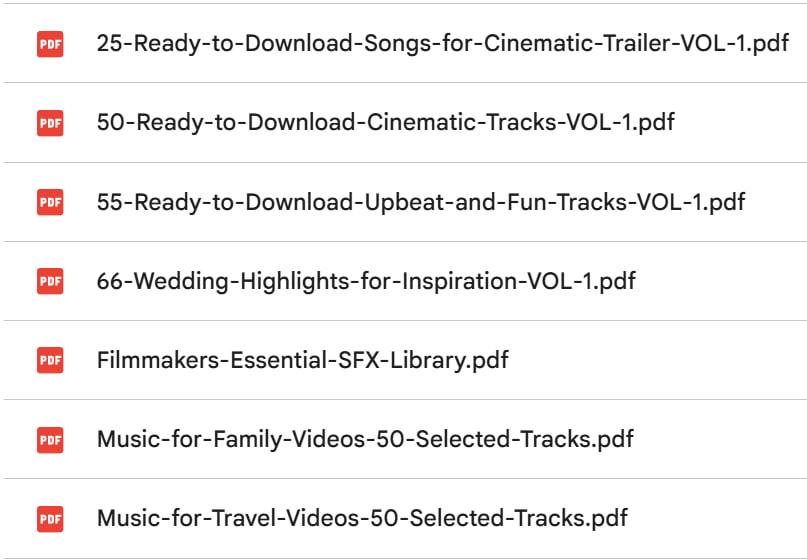
3. Music Pack (tracks) + SFX — 200+ hand-picked songs and SFX - free to download and use
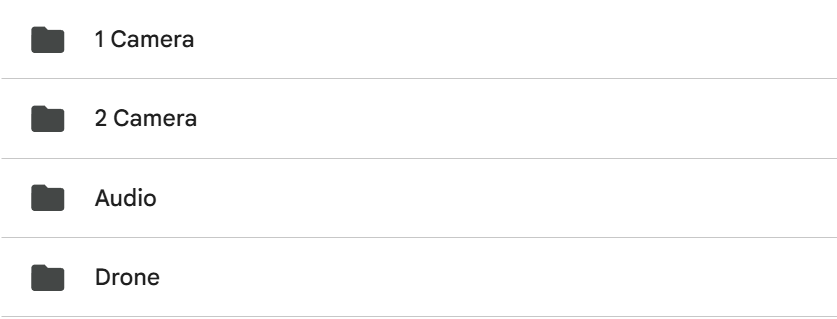
4. Training footage (same as in the course) — identical clips + audio, so you can copy the edit cut-for-cut.
Included Bonuses
Extra resources to help you edit better and book more wedding work.
19 Proven Ways to Book More Wedding Clients
A practical client-booking guide with free and paid methods you can use to attract more wedding projects.
- 10 free methods to get clients
- 9 paid methods to scale with budget
- Step-by-step action plans
- Scripts for DMs, emails, and calls
- Starter budgets and tracking notes
66 Curated Wedding Films for Inspiration
Study proven structure, pacing, storytelling, music, and emotional flow before your next edit.
- Save time finding references
- Learn from real wedding film structure
- Get ideas for pacing and story
- Use as inspiration before client edits
- Build stronger creative taste
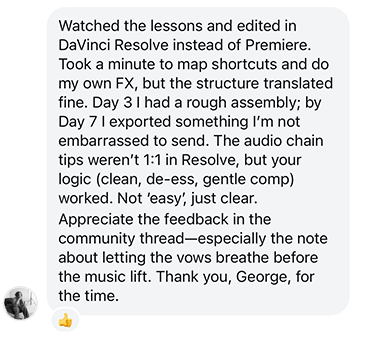
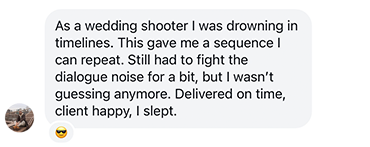
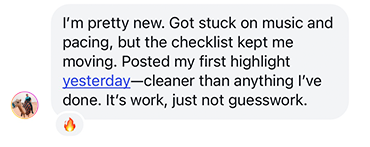
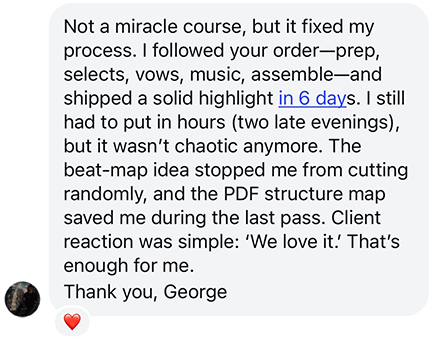
REVIEWS FROM FILMMAKERS
Risk-Free Enrollment
Try the course with a 30-day guarantee.
Go through the lessons, download the resources, and see if this workflow is the right fit for you. If you don’t like the course or feel it’s not for you, email me within 30 days and I’ll refund your purchase — no questions asked.
The Complete Wedding Highlight Editing System
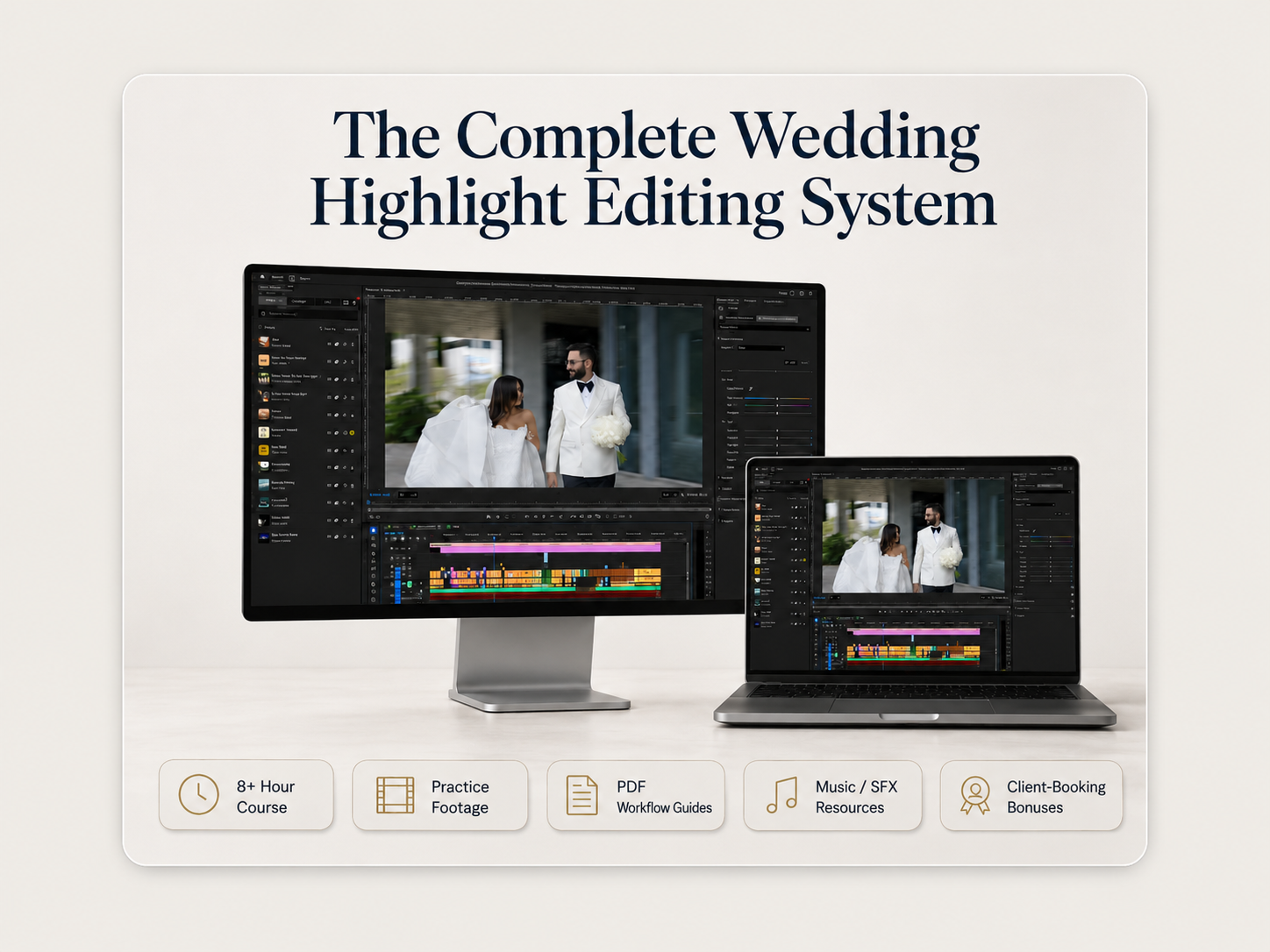
Get the full course, real practice footage, PDF workflow guides, music/SFX resources, and client-booking bonuses — everything you need to learn and practice the complete wedding highlight editing workflow from raw footage to final delivery.
Lock in the $97 launch price before the timer ends.
After that, the regular price will be $197.
Built From Real Wedding Film Experience
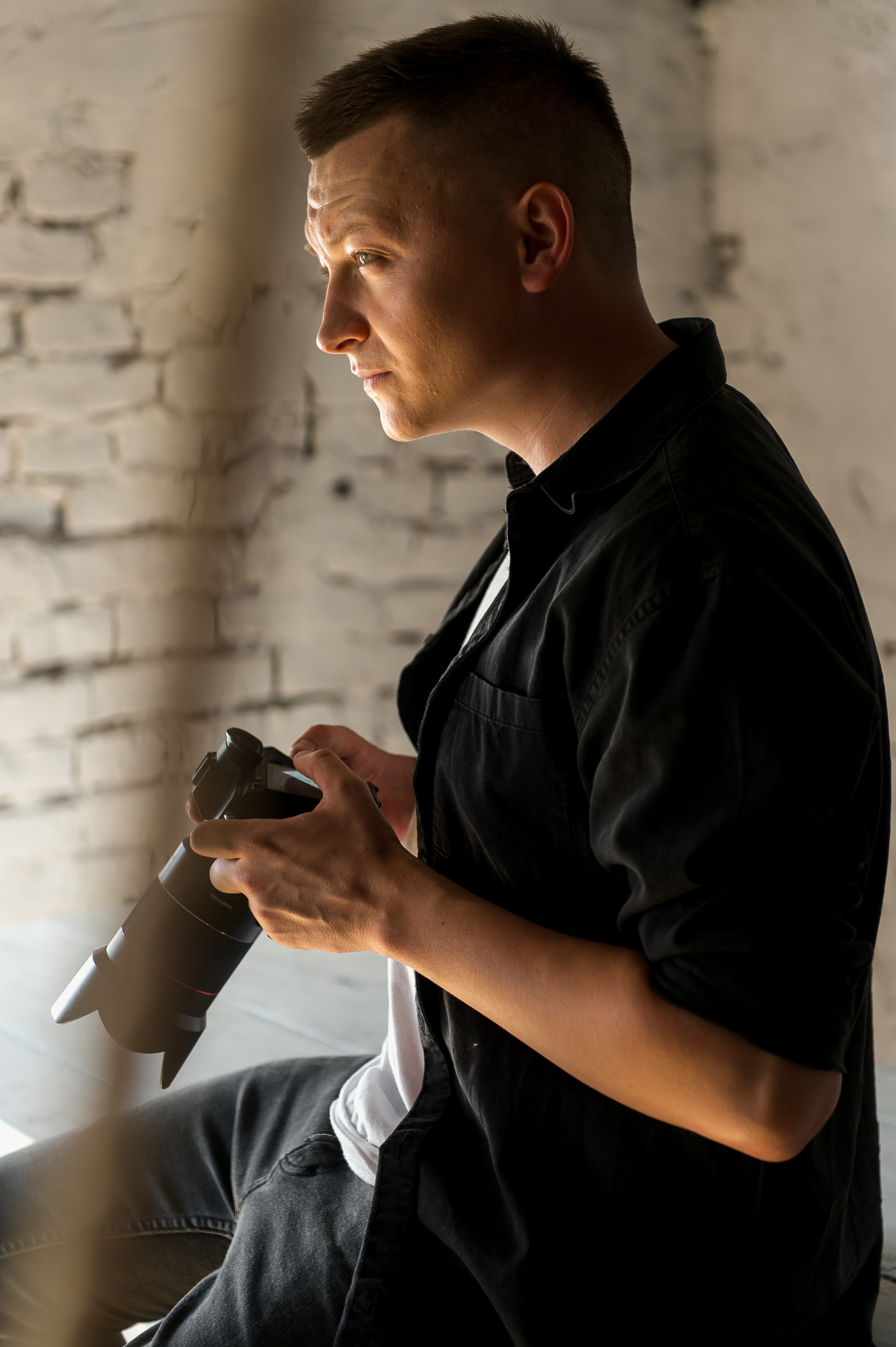
I’m George, founder of The Star Bears Production and George Films Co., based in Miami. For over 8 years, I’ve worked in wedding filmmaking as a shooter, editor, and educator.
My team edits more than 100 wedding films every month for videographers, and I created this course to show the real workflow behind a polished cinematic wedding highlight.
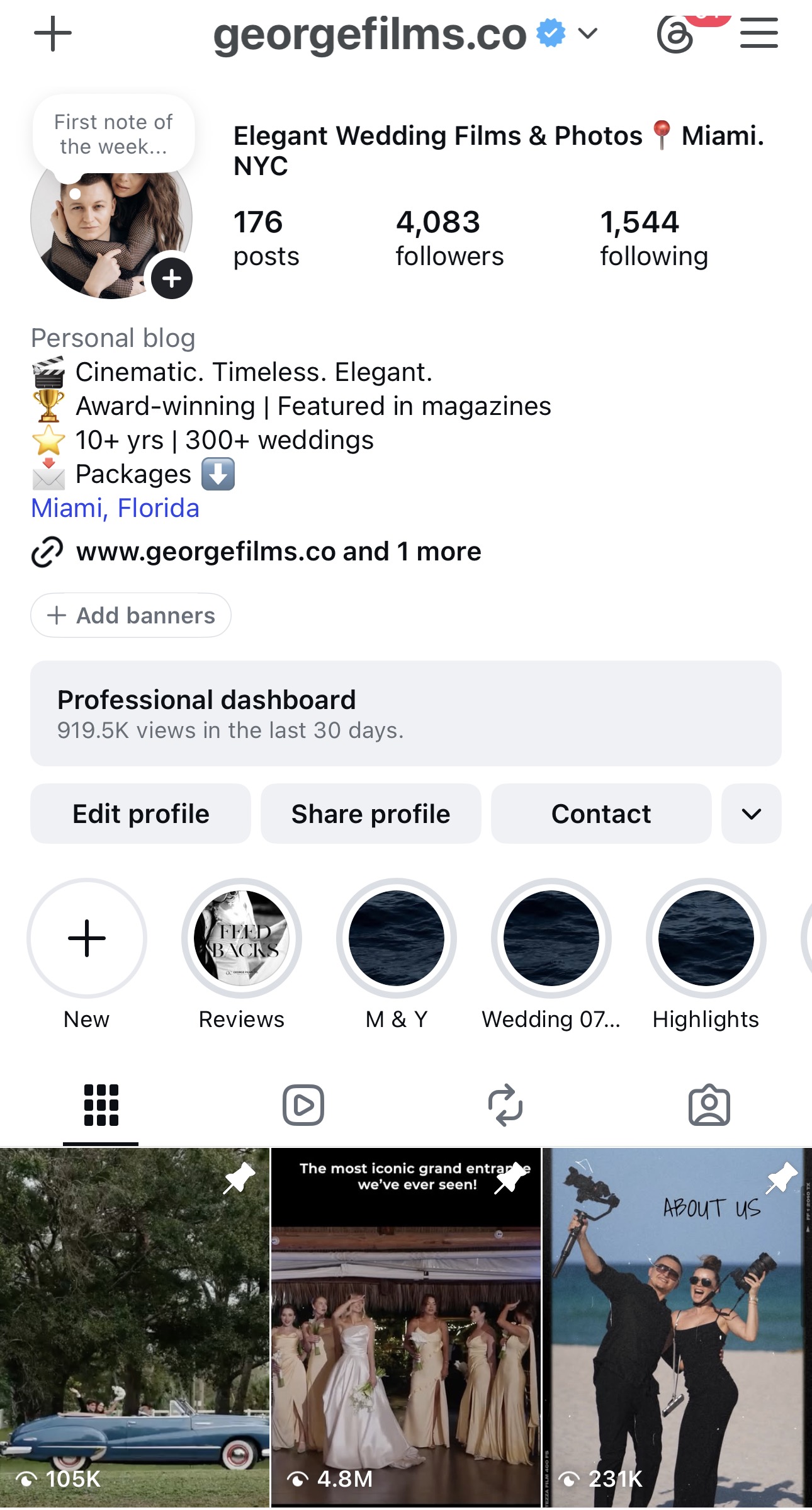
George Films Co. is our wedding film brand in Miami, focused on elegant, emotional, and timeless wedding films for real couples.
This course is built from practical experience — real weddings, real timelines, real footage, and real delivery standards.
Wedding Highlight Editing System
A few minutes ago