Step-by-Step Video Editing Course

for Beginners and Pros


HOW TO EDIT CINEMATIC WEDDING HIGHLIGHT FILMS
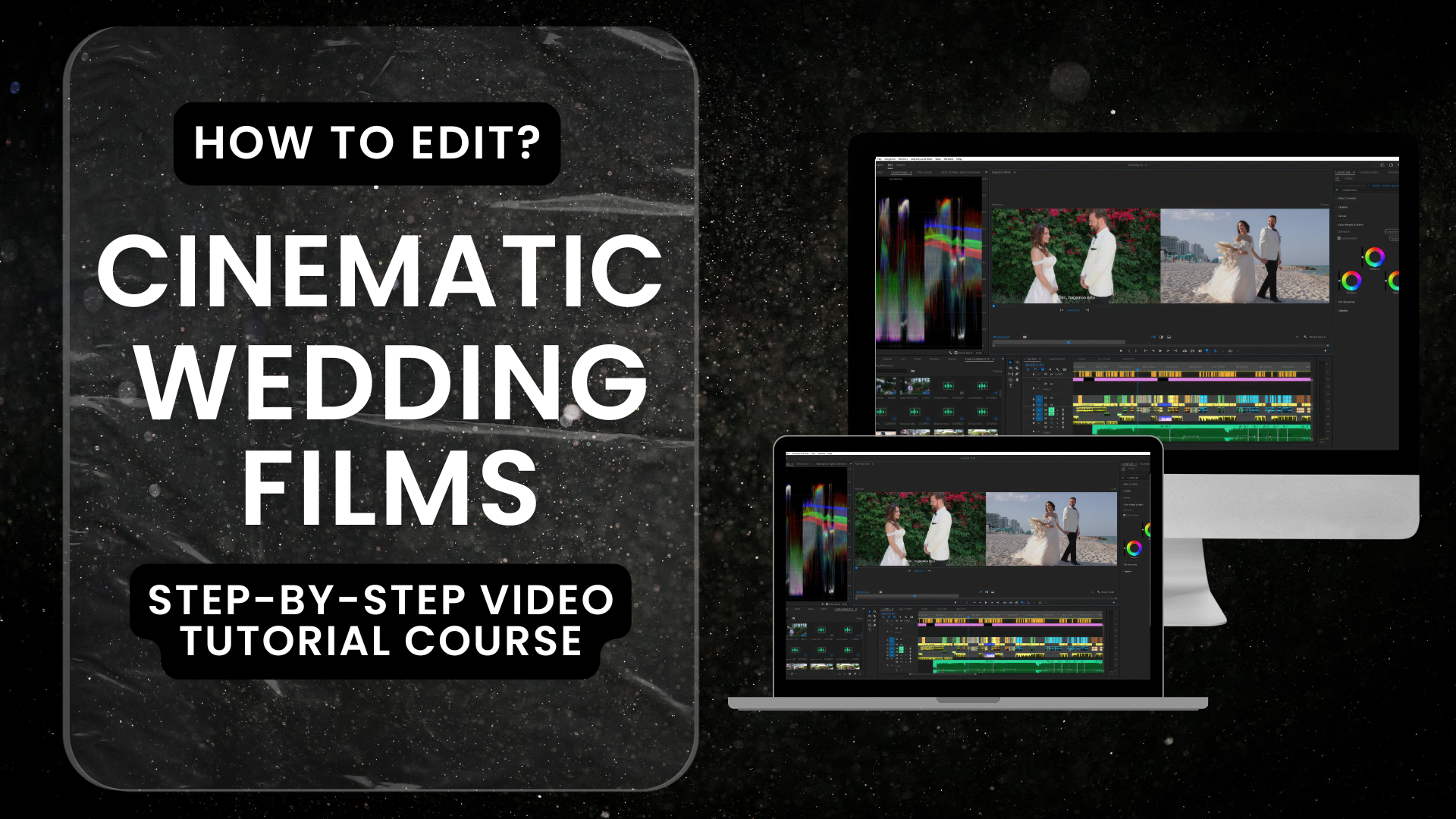
Your Image

You’ll learn every single step to finish a wedding video in 5–7 days with no rush, from blank timeline to final render!
1100+ enrolled • all-time
4.9 / 5 • 120+ reviews

Your Image

I’m George, founder of The Star Bears Production and George Films Co., based in Miami. With over 8 years of experience shooting, editing, and teaching, my team edits more than 100 weddings every month and creates cinematic films for couples worldwide.


WHO THIS COURSE IS FOR:

Beginner editors — want a clear, repeatable workflow fast.

Pro wedding videographers — feel stuck in the edit and want structure + time back.

Freelance video editors — aim to deliver consistent client quality and charge more.

Operators / second shooters — want to add post-production and deliver end-to-end.

Photographers moving into video — need a fast, sellable product (the highlight).


HERE’S EXACTLY WHAT YOU GET FOR $69.99
(detailed overview video)

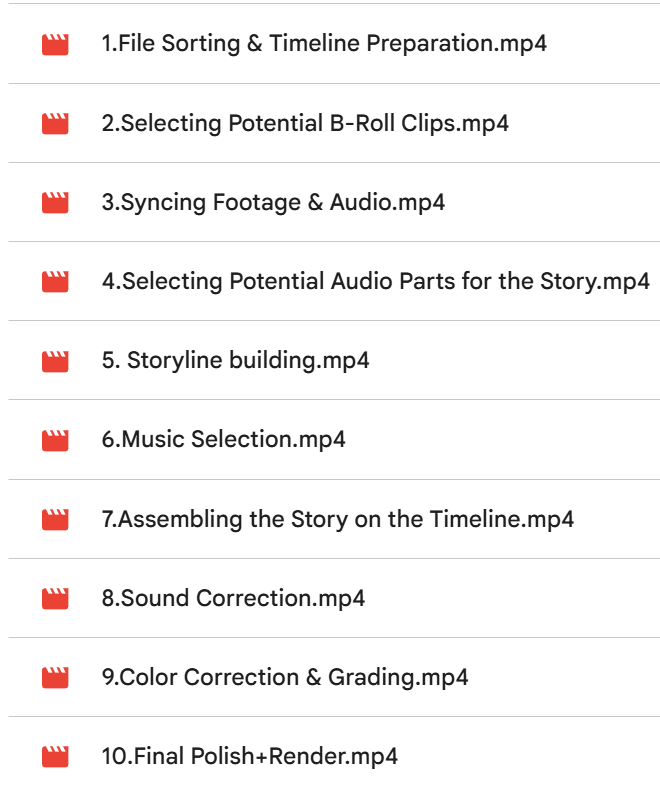
10 detailed video tutorials — step-by-step from project setup to client-ready export with each step explaniation
Your Image

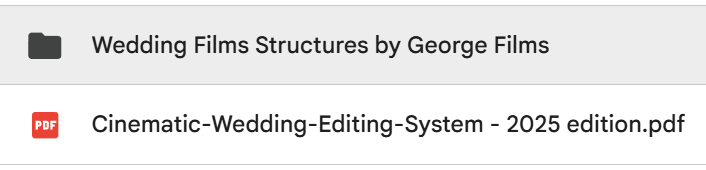
PDF Guides — ultra-detailed workflow playbook + structure maps for the highlight, full film, and trailer.
Your Image

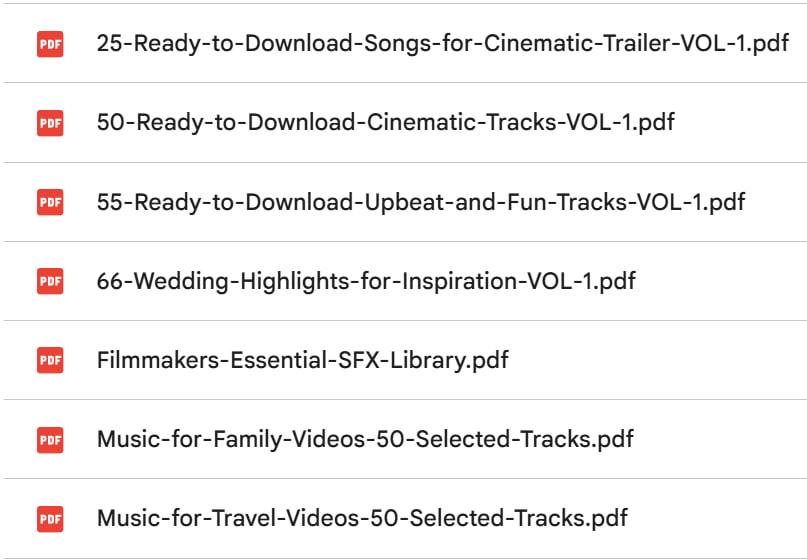
Music Pack (tracks) + SFX — 200+ hand-picked songs and SFX - free to download and use
Your Image

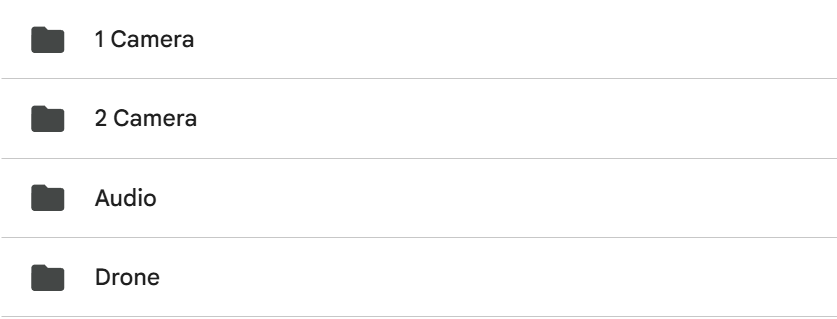
Training footage (same as in the course) — identical clips + audio, so you can copy the edit cut-for-cut.
Your Image

EXAMPLE OF THE FINISHED VIDEO YOU’LL LEARN TO EDIT

FREE BONUS!

19 Proven Ways to Book 30+ Weddings per Year

Use these methods to consistently book 30-50+ weddings per year

• 10 free methods to get clients

• 9 paid methods to scale with budget

• For each method: a short step-by-step plan, exactly what to do, and when

• Clear goals, simple next actions, and what to say (scripts for DMs, emails, and calls)

• Starter budgets and quick setup notes for paid options

• Light tracking so you know what works and what to cut


30 DAYS OF SUPPORT IN A COMMUNITY CHAT

Ask unlimited questions, share screenshots/clips, and get clear next steps—typically within 24 hours.


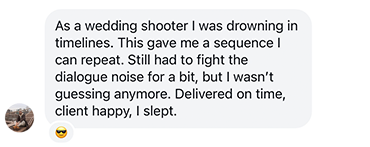
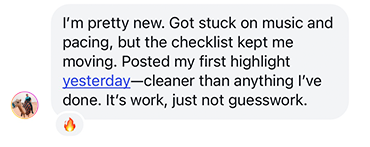
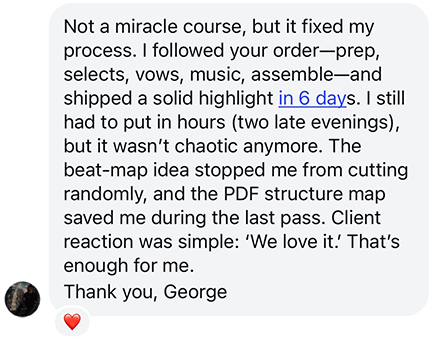
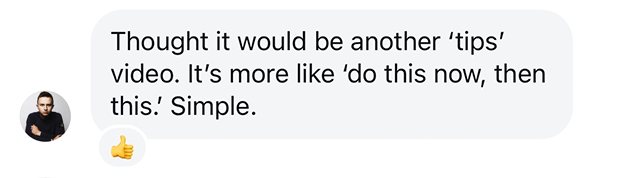
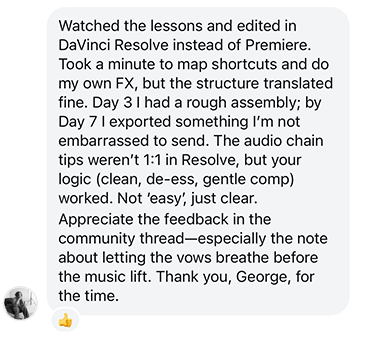
REVIEWS FROM FILMMAKERS
Your Image
Your Image
Your Image
Your Image
Your Image

If you don't like it, or feel it's not for you - email to me, and I'll do refund with no questions!

Beginner-friendly?

Yes. No prior experience needed. You’ll follow along from zero with screen recordings, timestamps, and the same footage + song. Expect real work, but no guesswork. If you get stuck, the community chat (30 days) keeps you moving.

Can I use my own clips instead?

Absolutely. The course includes the exact training footage from the lessons so you can edit along cut-for-cut. If you prefer, switch to your own material at any step—the workflow is the same.
License note: the provided footage is for practice/portfolio; not for resale as a standalone product.

Can I follow in DaVinci/Final Cut?

Yes. The structure is NLE-agnostic. I demo in Premiere, but you’ll get:

A Resolve/Final Cut checklist (timelines, sync, markers, exports)

Audio chain logic you can replicate (clean → de-ess → gentle compression)

Export settings equivalents
Many students finish in Resolve without issues; shortcuts differ, the order of steps does not.

How long do I keep access?

Lifetime access to all videos, PDFs, updates, and downloads.
Plus work chat from the day you enroll.

How fast can I finish my first my highlight?

Most students complete a client-ready cinematic highlight in 5–7 days. Typical path:

Day 1–2: prep, selects, sync, pull vows/soundbites
Day 3–4: structure + rough assembly
Day 5–6: sound cleanup, color & grading
Day 7: final polish & export

What exactly do I get?

A Google Drive link to download the full course and assets

What if I don't like product or can't do my highlight?

You’re covered by a 30-day Finish-or-Free guarantee.
If it’s not a fit or you can’t reach the promised outcome, email us within 30 days and we’ll refund you—no hoops. (Include your order email and a short note on where you got stuck so we can improve.)

Do I need a powerful computer?

No. We include a proxy workflow and export presets. If your laptop handles basic editing, you’re fine. Expect smoother playback with proxies.

Will the music/SFX be safe for client work?

Yes. The 200+ Music & SFX pack is royalty-free for personal & client projects under the provider license. You may not resell or redistribute the files as a library.

How big are the downloads?

Full package expect ~43 GB You can stream lessons; downloads are optional.

Is the style going to make my work look “cookie-cutter”?

No. The system teaches structure, pacing, and sound, not a rigid look. You’ll get a base film look and title template, but your story + music choices keep it yours.

What if I’m already intermediate?

You’ll move faster through prep and B-roll. Most intermediates join for structure, audio flow, and revision reduction (≤2 rounds target).

When do I get access to the community chat?

Community chat invite link will be in order at your email


BONUS: 66 CURATED WEDDING FILMS — SAVE TIME AND LEARN FASTER BY STUDYING PROVEN STRUCTURE, PACING, AND STORYTELLING. INSTANT INSPIRATION AND READY-TO-APPLY IDEAS FOR YOUR NEXT EDIT!


Contact Information

Gifting Options

Coupon

[[coupon_message.text]] [[cart_coupon.text]]

Payment Methods

Apple Pay selected.

Another step will appear to securely submit your payment information.

Google Pay selected.

Another step will appear to securely submit your payment information.

Cinematic Wedding Teaser

How to Edit Cinematic Wedding Teaser (Video Tutorial)

  • Practical wedding-teaser workshop from blank timeline to export
  • Step-by-step video; every cut and beat explained
    Training footage + the same song for true edit-along flow
    You’ll learn to export a 60–90s cinematic wedding teaser in 2–3 hours

  • [[1900 | currency]] [[3999 | currency]]
    Ceremony + Reception Doc Editing

    Ceremony + Reception Doc Editing

  • Ceremony + Reception documentary workshop from blank timeline to export
    Multicam sync, audio cleanup, chapter markers, natural pacing
    Step-by-step video; each decision explained
    Training footage for true edit-along flow
    You’ll export a polished Ceremony + Reception documentary cut in 4–6 hours today!

  • [[1999 | currency]] [[3999 | currency]]
    Individual 1:1 Online Support with George

    30 days Individual 1:1 Online Support with George

  • 30 days of direct 1:1 support
    Fast answers (within 12 hours)
    Edit reviews, troubleshooting, workflow advice
    Share clips/timelines; get step-by-step fixes
    Your preferred channel (email/WhatsApp/Zoom)

  • [[9000 | currency]] [[30000 | currency]]
    [[invoiceItem.description]]
    [[subscriptionsByProductId[invoiceItem.product_id].plan_description]]
    REMOVE
    [[invoiceItem.quantity]] x [[invoiceItem.unit_price | currency]]
    Subtotal:
    [[checkoutContext.order.invoice.subtotal | currency]]
    Tax:
    [[checkoutContext.order.invoice.tax | currency]]
    Shipping:
    [[checkoutContext.order.invoice.shipping | currency]]
    Discounts:
    -[[checkoutContext.order.invoice.discount | currency]]
    Total:
    [[checkoutContext.order.invoice.total | currency]]